
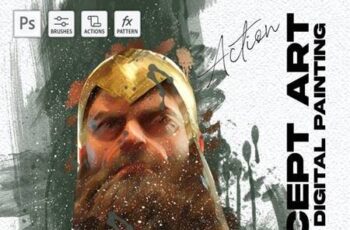

Concept Art Digital Painting Photoshop Action
Concept Art Digital Painting Photoshop Action
ABR | 24 Mb
PREPARING OF PHOTOSHOP TO USE THIS ACTION
PREPARING OF PHOTOSHOP TO USE THIS ACTION1. Open your image, change the wide size to 2500 px.2. Draw the area you want in a new layer.3. Load action by Double click on u201cConcept Art Painting Photoshop Action.atnu201d4. Load Brushes by Double click on u201cConcept art Brushes.abru201d and Pattern too.5. Run the action and have fun.